Summarize a Recorded Meeting with AI: Which Prompts to Use
Turn a meeting recording into a clear report with decisions, tasks, and deadlines: the method and prompts that actually work.
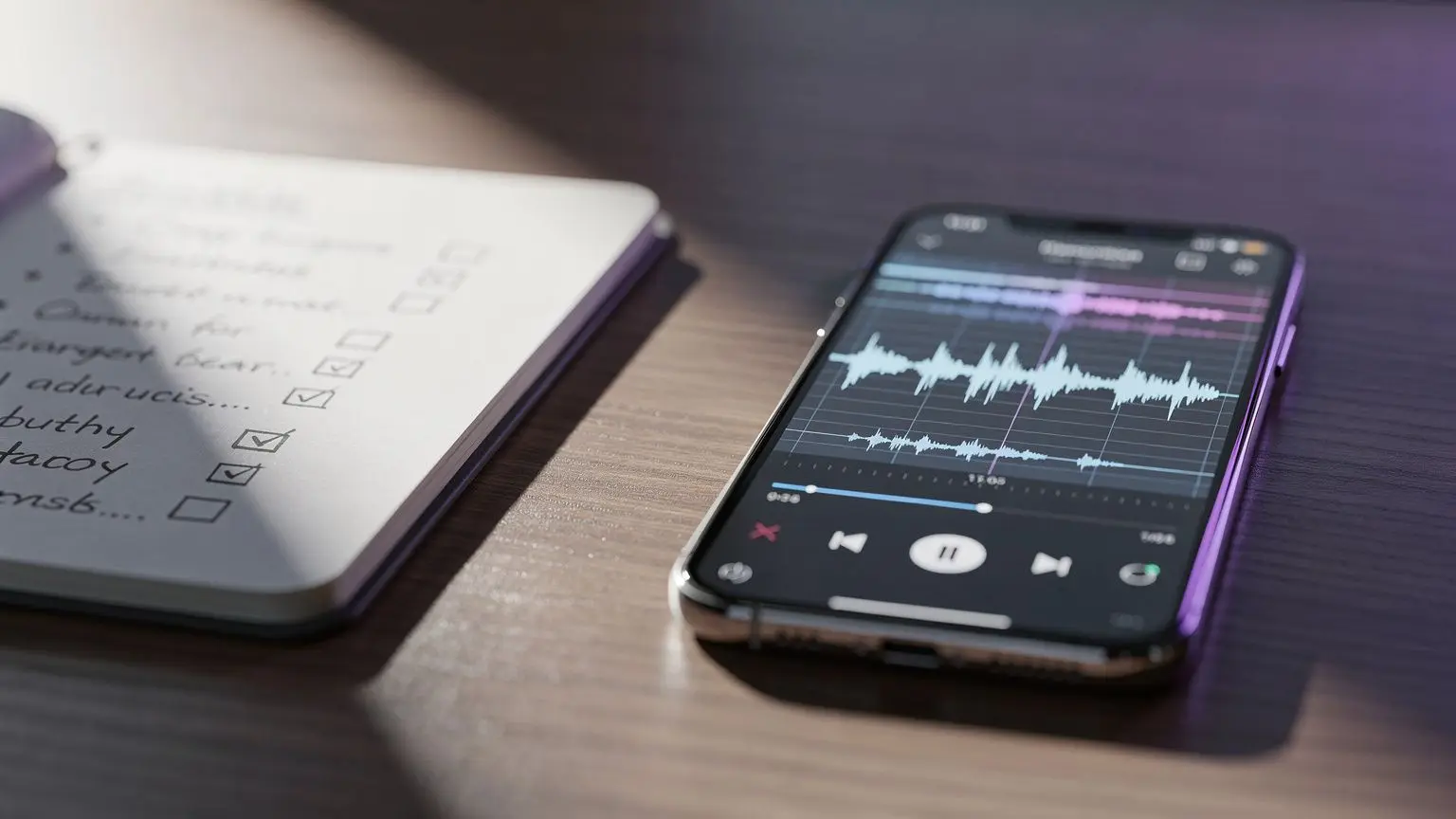
You’ve just left an hour-long meeting, the audio file is there, and no one wants to replay the whole thing to write up a summary. AI can do this job in minutes, provided you ask it the right questions. Here’s the two-step method and the prompts to use depending on the meeting’s length and complexity.
Why use AI to summarize a meeting
A manual meeting summary easily takes 30 to 45 minutes when you want it to be accurate: who said what, who committed to what, by when. With a transcript and a good prompt, a generative AI produces a structured first draft in seconds. It’s not magic—it’s just reorganizing and synthesizing what was said. But that’s exactly what you want from a meeting summary: accuracy, not creativity.
This applies equally to managers running weekly team meetings and employees tasked with distributing a summary after a steering committee.
Step 1: Get a usable transcript
Before summarizing, you need text to summarize. Most conversational AIs (ChatGPT, Claude, Gemini) now accept audio files or transcripts already made by video conferencing tools (Teams, Google Meet, Zoom often generate automatic transcripts).
If you only have a raw audio file, ask first for a faithful transcript, without rewording or summarizing at this stage. Mixing transcription and synthesis in the same request loses precision: the AI tends to summarize too early and miss useful details for later.
Step 2: The prompt for an actionable summary
Once you have the transcript, the goal is to request a specific format rather than just “summarize this.” A useful meeting summary always distinguishes four things: what was said, what was decided, what needs to be done, and what remains unresolved.
The standard prompt
Here is a transcript of a [duration] meeting with [number] participants on the topic of [subject].

Write a structured summary with:
1. A 3-5 sentence summary of the meeting's context and objectives
2. Decisions made (bullet list, one decision per line)
3. Tasks to complete, in the format: who / what / by when
4. Unresolved issues or disagreements
5. Next steps or the date of the next meeting if mentioned

Stay factual. Do not invent any information missing from the transcript. If a deadline or owner is not specified, write "not specified" rather than guessing.

Transcript:
[paste here]
The last instruction is the most important. Without it, the AI tends to fill gaps with plausible but false assumptions—a task assigned to the wrong person, a made-up date. For a summary shared with an entire team, this rigor prevents misunderstandings.
Variant for a short meeting (15 to 30 minutes)
For a quick check-in on a single topic, no need for all five sections. Simplify:
Here is a 20-minute team meeting transcript on [subject].
Summarize as a bullet list: decisions made, actions with owner and deadline.
Do not exceed 8 lines.
This version avoids an overly long summary for a meeting that, by nature, didn’t generate much material.
Variant for a long, multi-topic meeting (1 hour or more)
When the meeting covers several themes (budget, hiring, project planning), ask for a breakdown by topic rather than a global summary, which would tend to mix everything:
Here is a transcript of a 1.5-hour meeting covering multiple topics.
Identify the main themes discussed, then for each theme provide:
- a 2-3 sentence summary
- decisions made
- actions with owner and deadline
End with a consolidated list of all actions, across all topics, sorted by deadline.
If the transcript exceeds several thousand words, some models lose accuracy toward the end. In that case, split the transcript into two or three blocks, ask for a summary of each block, then a final synthesis—the same logic as summarizing a long PDF with AI without losing the essential.
Variant for a project follow-up meeting
If the meeting follows a previous one, ask the AI to link it to actions already decided:
Here is the transcript from the follow-up meeting on [date].
Here is also the list of actions from the previous meeting: [paste list].
For each previous action, indicate if it is: done, in progress, delayed, or abandoned.
Then list the new decisions and new actions from this meeting, in the same format as before.
This format transforms the summary into a real management tool, not just an archive.
Verify the summary is reliable before sharing
An AI-generated summary is still an automated synthesis: review it before sending, especially tasks assigned to specific people. A wrong name or a misinterpreted deadline can confuse the team. If the meeting included specific numbers (budget, targets), verify them line by line in the original transcript: language models can round or misread amounts heard in poor-quality audio.
Test multiple AIs to keep the clearest summary
Not all models handle a long transcript the same way. Some are more concise, others more verbose or stricter about distinguishing decisions from actions. Like any professional prompt, the same prompt gives different results depending on the AI used—which also applies to meeting summaries.
Rather than stick to one model, try noov.ai for free to submit the same transcript to ChatGPT, Claude, Gemini, or DeepSeek from a single interface and compare the summaries generated before choosing the clearest and most actionable one. It’s a simple way to apply the principle of using multiple AIs at once without multiplying subscriptions.
Mistakes to avoid
- Asking for a summary without structure: “summarize this meeting” gives a vague paragraph, hard to turn into an action list.
- Forgetting to specify the task format: without the instruction “who / what / by when,” actions get lost in text.
- Not flagging missing information: without explicit instructions, the AI may invent an owner or default date.
- Treating a 1.5-hour meeting like a 15-minute check-in: the level of detail requested must match the actual content density.
This type of structured prompt appears in other professional uses, such as preparing a PowerPoint presentation with AI without losing quality: giving a precise format upfront always avoids reformulation back-and-forth.
With a well-constructed prompt, summarizing a recorded meeting becomes a task of minutes rather than an end-of-day chore—as long as you keep a critical eye on what the AI understood.
Try it with noov.ai

Frequently asked questions
Which AI should I use to summarize a recorded meeting?
ChatGPT, Claude, and Gemini all handle long transcripts well, with different summarization styles. The simplest approach is to test the same transcript on multiple models and keep the clearest summary.
Should I transcribe the audio before asking for a summary?
Yes, ideally. It's better to get a faithful transcript first, then request the summary in a separate step: this prevents the AI from summarizing too early and losing important details.
How do I prevent the AI from inventing information in the summary?
Add an explicit instruction in the prompt to avoid inventing anything and to write 'not specified' when information (owner, deadline) is missing from the transcript. This is the most common error with automated summaries.
How do I summarize a very long meeting without losing information?
Split the transcript into multiple blocks, request a summary for each block, then a final consolidated synthesis. This method limits precision loss with very long texts.
Can I automate sending the AI-generated summary?
The AI can generate the text, but a human review before distribution is still recommended, especially to verify owner names and announced deadlines.