Summarize a Long PDF with AI Without Losing the Essential Details
An 80-page report to digest by tomorrow? Here's the multi-pass method for a reliable AI summary without missing important details.
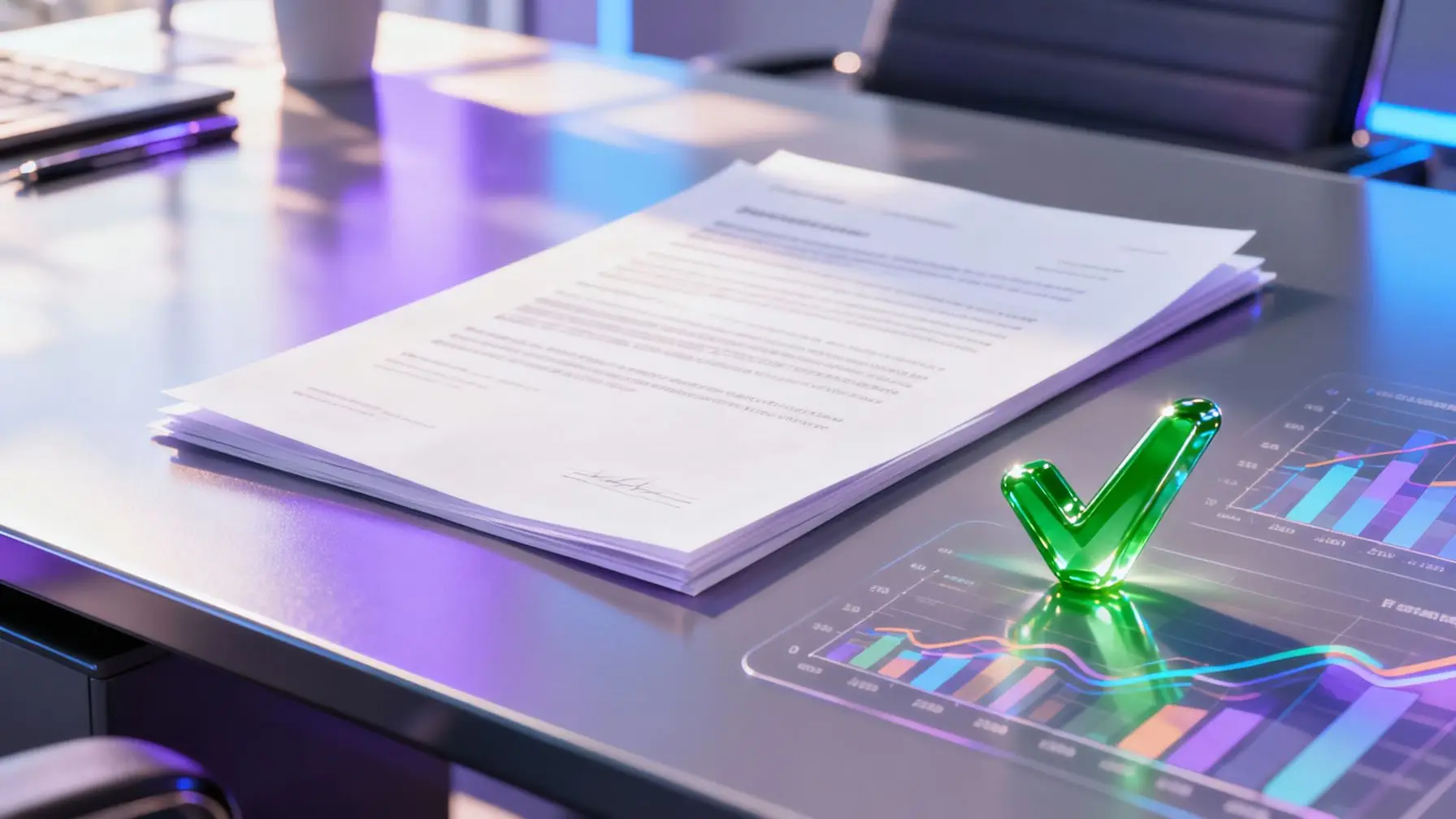
You have a 60-page report, a thesis, a legal judgment, or a study to synthesize before tonight. You ask an AI to “summarize the PDF” and the result is disappointing: too short, too vague, or worse, it invents figures that don’t exist in the document. It’s not by chance: summarizing a long PDF with AI requires a method, not just copy-pasting into a chatbot.
This article explains why automated summaries often miss the essential points on long documents, and how to proceed in multiple passes to get a reliable synthesis, with a reusable prompt example.
Why a Long PDF is Problematic for AI
All AIs have a “context” limit: the amount of text they can read at once. A model with a small context window will truncate the document or lose the middle section without necessarily warning you. Result: the summary focuses mainly on the introduction and conclusion, and the central sections—often the richest in data—disappear.
The second problem is more insidious: the longer a document is, the more likely the AI is to “hallucinate,” meaning it generates plausible but false information, especially about figures, dates, and proper names. A coherent-sounding summary can therefore contain invisible factual errors.
This is why some AIs handle large documents much better than others: those with a large context window (hundreds of thousands of words for the most recent models) can read an entire report without breaking it down, which reduces information loss. Others, more limited, force you to work through fragments. If you’re unsure which tool to choose, this guide to choosing an AI details the criteria to consider, including context size.
The Multi-Pass Method
Rather than asking for a summary in a single request, break the work into three steps. It takes ten minutes longer, but the result is much more reliable.
1. Break the Document into Logical Sections
If the PDF is more than 40-50 pages, don’t give it as a single block, even to an AI with large context. Break it down according to its natural structure: chapters, parts, numbered sections. Ask for an intermediate summary of each section, keeping precise figures, dates, and proper names. This step produces a series of mini-summaries that are accurate and easier to verify one by one.
2. Merge with a Synthesis Prompt
Once you have the partial summaries, give them all to the AI in a new request to produce the final synthesis. This is the step that should be guided by a precise prompt (see below) to prevent the AI from smoothing or over-generalizing the content.
3. Verify Key Figures
This is the step almost everyone skips, and it’s a mistake. Take every figure, percentage, date, or name cited in the final summary and verify it in the source document using the search function (Ctrl+F). If the AI provided quoted passages, also verify that they exist word-for-word in the PDF. This verification takes five minutes and prevents passing a factual error to your management, a client, or a jury.
A Reusable Synthesis Prompt
Here’s a prompt structure that works well for the merge phase, adapt it according to your document:
Here are several partial summaries of the same document (report/thesis/contract).
Your task: produce a structured synthesis in a maximum of 400 words.

Constraints:
- Keep all figures, dates, and proper names exact, without rounding or rephrasing them.
- Structure the synthesis in 4 parts: context, method, key results, limitations or risks.
- If information is missing or seems contradictory between summaries, flag it clearly rather than inventing it.
- Add no opinion or interpretation that isn't explicitly in the source text.

Partial summaries:
[paste section summaries here]
This prompt works because it sets explicit rules against hallucination and imposes a verifiable structure, rather than letting the AI improvise a format.
Why Results Vary So Much Between AIs
Even with the same prompt and the same PDF, two models can produce very different summaries in length, angle, and reliability. This is linked to how each AI was trained to prioritize information and how it handles context. This phenomenon is detailed in this article on why the same prompt gives different results depending on the AI: variation isn’t a bug, it’s a structural characteristic of models.
In practice, this means that a single summary produced by one tool is never an absolute guarantee. The best protection remains comparison: run the same document through two or three different AIs and see where the summaries converge—that’s probably reliable—and where they diverge—that’s probably something to check manually.
Compare Multiple AIs on the Same Document
This is where working with multiple models in parallel becomes useful rather than optional. Using multiple AIs at the same time allows you to cross-check summaries of the same PDF without multiplying subscriptions or tabs.
On noov.ai, you can submit the same document to ChatGPT, Claude, Gemini, DeepSeek, or Perplexity from a single interface and directly compare their summaries side by side to spot discrepancies in figures or key points. If you regularly handle long reports or legal documents, try noov.ai for free to test this comparison on your own PDF.
Common Mistakes to Avoid
- Asking for a “short” summary right from the start: this pushes the AI to cut important information rather than condense it intelligently. Ask for a detailed summary first, then shorten it.
- Not specifying the target audience: a summary for a management committee doesn’t have the same structure as a summary for studying for an exam. Specify it in the prompt.
- Blindly trusting generated quotes: systematically verify passages in quotation marks in the original document.
- Forgetting annexes and tables: many AIs ignore complex tables or graphics when extracting from PDF. Make sure important numerical data isn’t hidden there.
In Summary
Summarizing a long PDF with AI without losing the essential requires three things: break the document down rather than submit it as a single block, use a synthesis prompt that explicitly forbids inventing information, and systematically verify key figures in the source. Add to that a comparison between multiple models to spot areas of uncertainty, and you have a reliable, reusable method for all your long documents.
Try it with noov.ai
Frequently asked questions
Which AI handles very long PDF documents best?
Models with a large context window (like recent versions of Gemini or Claude) can read entire documents without breaking them down, which limits information loss. For very large documents, breaking down into sections remains recommended regardless of the tool.
How do you prevent AI from inventing figures in a summary?
Specify in the prompt to keep exact figures without rounding, and ask the AI to flag any missing information rather than guessing. Then verify each key figure in the source document using the search function.
Should you always break down a PDF before summarizing it?
Not systematically, but it's recommended beyond 40-50 pages or for information-dense documents (financial reports, judgments, studies). Breaking down into logical sections reduces the risk of information loss in the middle of the document.
Can you compare summaries from multiple AIs on the same PDF?
Yes, and it's even recommended for important documents: comparing summaries produced by different models helps identify points where they converge (probably reliable) and those where they diverge (worth checking manually).