Claude vs Gemini: How to Review a Freelance Contract Properly
Claude or Gemini to review a freelance contract? Practical comparison on abusive clauses, gray areas, and the limits of each AI.
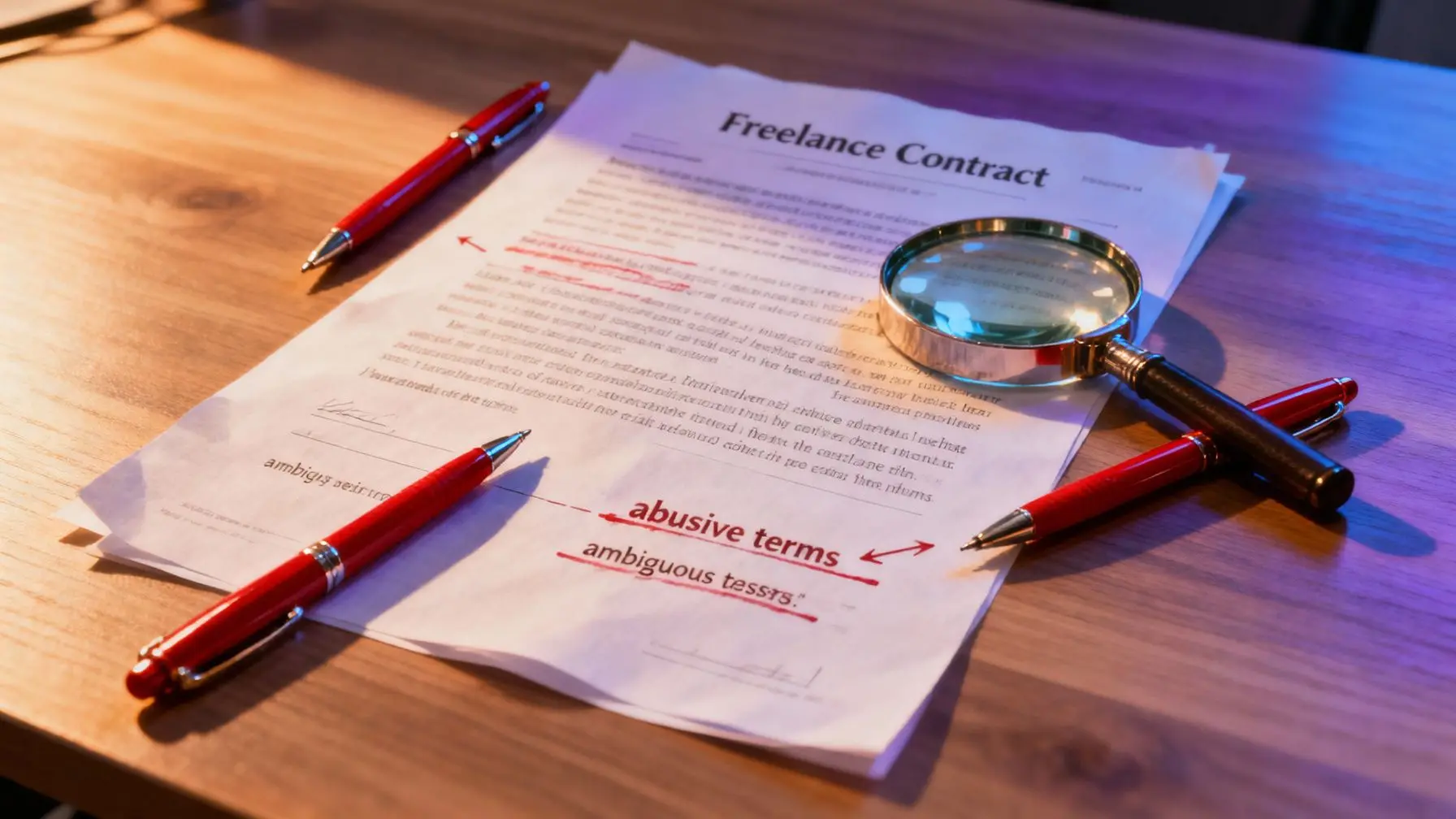
You’ve just received a service contract and you’re hesitant about having an AI review it before signing. Good news: Claude and Gemini can both help you spot unclear or unbalanced clauses. Bad news: they don’t do it the same way, and neither truly replaces legal advice on a contract that seriously impacts your business. Here’s what concretely sets them apart, clause by clause.
Why have an AI review your contract
A freelance contract often contains clauses copy-pasted from a generic template: asymmetric notice periods, intellectual property transferred without compensation, late penalties that only work one way, non-compete clauses that are too broad. A self-employed person without legal training doesn’t always spot these at first glance, especially in an 8 or 15-page document in small print.
An AI doesn’t replace a lawyer, but it can do a quick first pass: flag ambiguous wording, summarize actual obligations, and raise questions to clarify before signing. This is where Claude and Gemini take different paths.
Claude: precision on long documents
Claude has a solid reputation for analyzing dense, lengthy texts. For a service contract with its annexes, general conditions, and amendments, that’s not trivial: for long documents where every word matters, like contract analysis, Claude maintains context throughout the entire volume from beginning to end.
What Claude spots well
- Inconsistencies between two clauses far apart in the document (for example a termination clause that contradicts payment conditions mentioned 6 pages later).
- Deliberately vague wording: “reasonable timeframe,” “at client’s request,” “except as otherwise agreed in writing.”
- Imbalances between the contractor’s obligations and the client’s, when explicitly asked to compare.
Claude performs better when given a precise framework: “list all clauses that bind the service provider without reciprocal obligation from the client” yields better results than a simple “review this contract.”
Its limitations
Claude remains a language model: it can misinterpret clauses written in highly specialized legal jargon, and it doesn’t always have knowledge of recent local legal developments. It provides a text reading, not certified legal expertise.
Gemini: Workspace integration as a strength
Gemini plays a different card: its native integration with Google Docs and Gmail. If your contract arrives as an email attachment or you’re already working in Google Workspace, Gemini can analyze the document directly in the environment where you receive it, without copying and pasting text elsewhere.
What Gemini offers
- Quick analysis directly in Docs, with comments inserted in the document margin.
- Good summary of key points in a short or medium-length contract.
- Real time savings if your workflow is already centered on Google tools.
Its limitations
On a long, dense contract, Gemini sometimes tends to summarize rather than dig deep into each clause, which can cause you to miss ambiguous wording buried in a secondary paragraph. Workspace integration is a genuine practical advantage, but it doesn’t always compensate for a lack of granularity in line-by-line analysis.
Claude vs Gemini: which choice for spotting abusive clauses
If your contract is more than 5-6 pages, includes annexes or general conditions referenced at the end, Claude has the advantage: it maintains context across the entire text and better catches inconsistencies between distant clauses. This is precisely the most common scenario with somewhat formal service contracts.
If your contract is short, you already work in Gmail or Docs, and you’re mainly looking for a quick summary before a meeting, Gemini does the job efficiently and without friction.
In both cases, answer quality heavily depends on how you phrase your request. This isn’t unique to Claude or Gemini: same prompt, different AIs produce different results, and a vague prompt on a legal contract will almost always yield a response too general to be useful.
Why not limit yourself to a single AI
The real limitation of both Claude and Gemini is that neither is infallible alone. One model can miss a clause that another catches, simply because they’re trained differently and prioritize different signals in the text. For a document affecting your income, intellectual property, or liability over several months, comparing two analyses reduces the risk of missing something important.
That’s the whole point of using multiple AIs at once rather than relying on a single automated opinion: have the same contract reviewed by Claude then Gemini, compare the points raised, and only keep clauses flagged by at least one of the two models as warranting genuine human verification.
That’s exactly what noov.ai enables: switch between Claude, Gemini, and other models on the same document, in the same interface, without changing tools or retyping text each time. You paste the contract once, query multiple AIs, and maintain a complete overview of the points that come up from different angles.
How to review a contract effectively with an AI
A few simple principles significantly improve analysis quality, regardless of which model you use:
- Request structured analysis, not a summary: “list clauses that could be unfavorable to the service provider, with the reason for each one.”
- Specify your situation: contract amount, duration, industry. A 12-month non-compete clause carries different weight for a freelance developer versus a strategy consultant.
- Ask for reformulation of ambiguous clauses in simple language, to verify you truly understand what’s written.
- Never sign solely based on an AI response. Use it as a first filter, then have sensitive points validated by a legal professional if the contract value justifies it.
If you’re still unsure between the different models available for this type of task, this guide for choosing an AI in 2025 details the criteria to consider beyond just the model name.
Summary
Claude performs better over the long haul on lengthy, dense contracts, with superior ability to spot inconsistencies between distant clauses. Gemini appeals through its ease of use in Google Workspace, ideal for a short contract analyzed quickly. Neither alone is sufficient for a final decision: comparing the two analyses, or using a tool that brings them together, remains the most reliable method before signing.
Try it with noov.ai
Frequently asked questions
Is Claude or Gemini more reliable for spotting abusive clauses?
Claude is generally more precise on long, dense contracts because it maintains context throughout the entire document. Gemini is effective on short contracts, especially if you already work in Google Docs or Gmail.
Can an AI replace a lawyer for reviewing a freelance contract?
No. An AI helps quickly spot vague wording or obvious imbalances, but it doesn't replace legal expertise, especially for a high-stakes contract financially.
Why don't Claude and Gemini spot the same clauses?
The two models are trained differently and prioritize different signals in text, which means one can flag a clause the other misses. That's why comparing both analyses is valuable.
What prompt should I use to have an AI analyze a contract?
Request structured analysis rather than a simple summary: specify the context (amount, duration, industry) and explicitly ask for clauses unfavorable to the service provider with the reason for each.