Claude or ChatGPT: Which Model to Correct French Text?
ChatGPT and Claude don't correct French text the same way. Here are their real strengths, without exaggeration, to help you choose based on your needs.
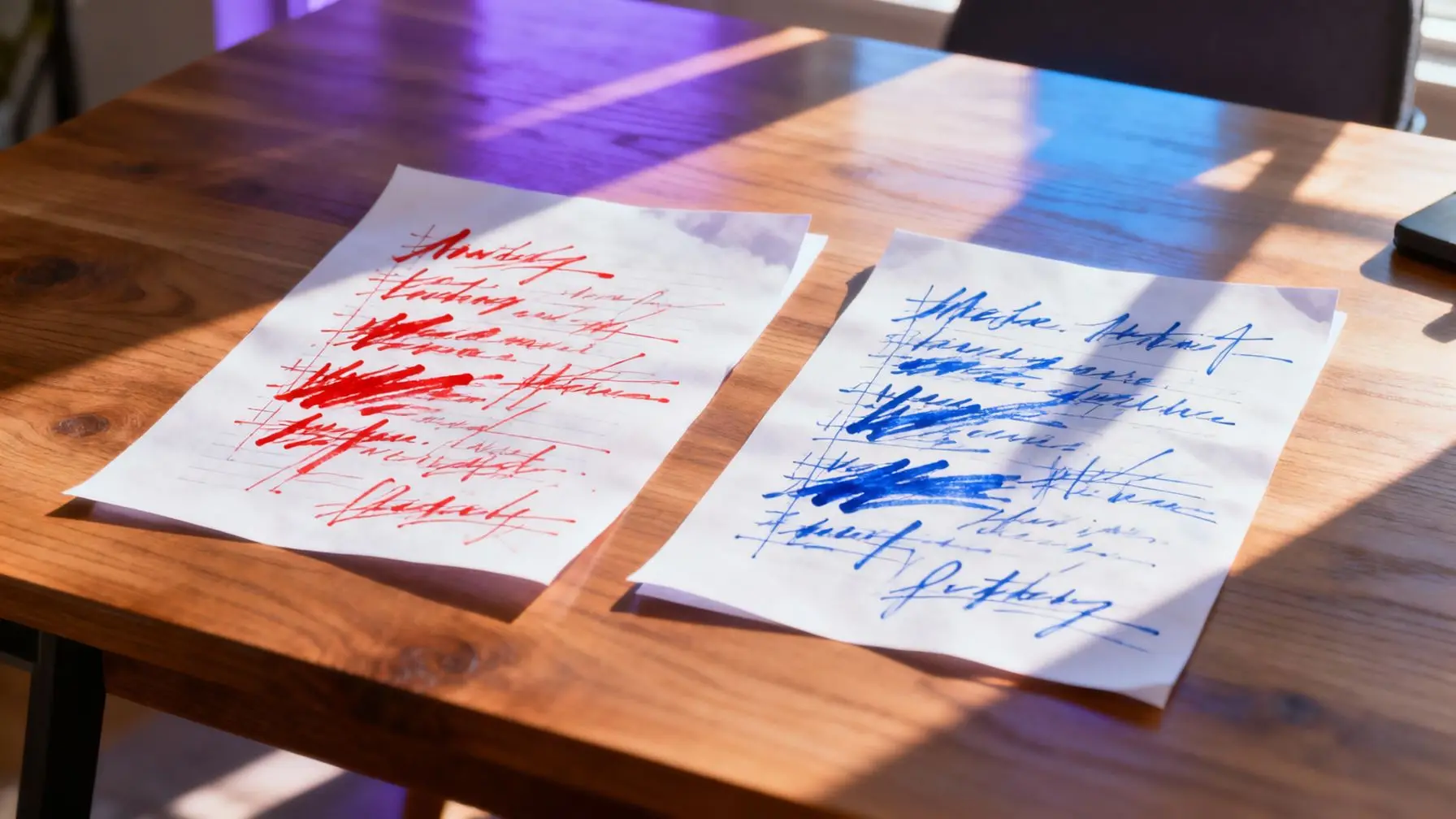
Torn between Claude and ChatGPT for correcting French text? The honest answer: neither is perfect alone, but each excels at a specific correction task. ChatGPT is generally more systematic about spelling and justifying the rules it applies. Claude, on the other hand, tends to better preserve the original tone and style of the text. The right choice mainly depends on what you’re correcting: a professional email, a literary text, or a technical report don’t have the same requirements.
What Really Differentiates Claude and ChatGPT on Text Correction
On paper, both models know how to correct French spelling, grammar, and syntax. In practice, their reflexes differ noticeably when you look at the detail of the corrections they suggest.
ChatGPT: Spelling Rigor and Correction Justification
ChatGPT tends to treat correction like a quasi-academic exercise: it efficiently detects agreement errors (past participles with “avoir,” inverted subject agreement), conjugation mistakes, and common confusions (a/à, ou/où, ces/ses). When asked to explain its choices, it does so readily, citing the relevant grammatical rule. This is a real asset for anyone who wants to understand their recurring errors, not just get a clean text.
The limitation: ChatGPT sometimes tends to “over-correct,” meaning it smooths out intentionally casual or spoken turns of phrase, even when you specify keeping a relaxed register. It can also rephrase sentences that didn’t need rephrasing, moving away from simple correction.
Claude: Tone Preservation and Stylistic Nuance
Claude stands out on one specific point: it modifies sentence structure less when you explicitly ask it to correct “without changing the style.” It seems to follow register instructions better (casual, professional, literary) and intervenes more surgically on actual errors, without rewriting what was already working.
In return, Claude is sometimes less verbose about grammatical justification, unless you specifically ask for it. On very long texts, it can also let some complex agreement errors slip through that ChatGPT would have caught.
French Typography: Where Both Models Still Stumble
French typography has its own rules, often overlooked by both models depending on the output format:
- Non-breaking spaces before colons, exclamation marks, question marks, and semicolons: often forgotten, especially when the text is copied from a chat interface.
- French quotation marks (« ») versus English quotation marks (" "): the two models sometimes alternate between them depending on context, with no guaranteed consistency over a long document.
- Em dashes for dialogue: usually handled correctly, but not always uniformly across an entire text.
- Capitals after colons: both models generally apply the French rule (lowercase except for quotes or enumerations), but exceptions appear in technical texts.
Neither model is 100% reliable on these fine points. A quick manual review remains necessary for a document intended for publication.
Formality and Register: Which Better Respects the Style You Request
If you’re correcting informal text (message to a friend, social media post), Claude is more likely to respect your explicit request to keep a relaxed tone. ChatGPT, by reflex, tends to slightly formalize vocabulary, even after contradictory instructions.
Conversely, on formal documents (administrative letter, report, professional email), ChatGPT often suggests reformulations closer to expected standards, with more elevated vocabulary by default. Claude remains more conservative: it corrects what exists without necessarily raising the language level unless you ask it to.
These tendencies aren’t absolute rules. They vary depending on text length, prompt precision, and the model version used.
The Real Test: Have Both Models Correct the Same Text
The best way to form an opinion is to compare directly. Give the same text with the same instruction to both models: the gaps in results are often instructive, and not just on form. This phenomenon, where the same prompt produces different results depending on the AI, is explained by different architectures and training data — not by a simple difference in raw quality.
On real work text, you often notice that Claude better preserves the spirit of the text, while ChatGPT catches a few additional errors that Claude missed. Neither result is “wrong”: they simply respond to different priorities.
Why Combine Both Rather Than Choose Just One
For reliable correction, a pragmatic approach is to have the text corrected by both models, then compare the differences. Errors flagged by both AIs are almost always real. Those flagged by just one model deserve verification, often quick, with a dictionary or dedicated proofreader.
This logic fits into a broader trend: using multiple AIs at the same time lets you compensate for each model’s blind spots, whether for text correction, idea generation, or fact-checking. If you’re still unsure about the criteria for choosing a model in general, this guide to choosing AI in 2025 details criteria to consider beyond just text correction.
How to Test Practically Without Switching Tabs
In practice, comparing Claude and ChatGPT often means opening two subscriptions, two tabs, and copy-pasting the same text multiple times. That’s the friction noov.ai seeks to eliminate, by bringing multiple models together in a single chat interface. You can submit your text for correction to Claude and ChatGPT side by side, compare versions, and keep the one that best respects your original tone.
If you want to test this method on your next text to correct, try noov.ai for free: daily free access lets you compare both models with no commitment.
Summary
For text that must stay true to its original tone, Claude is often the safer choice. For exhaustive correction with rule explanation, ChatGPT has the advantage. On fine French typography, neither is infallible: a review remains recommended for any document meant to be published or sent to a third party.
Try it with noov.ai
 Free grammar and spelling checkerCheck your spelling, grammar and syntax mistakes in seconds. Paste your text, get a corrected version. Free, no credit card required.
 Rephrase text for freeRephrase text while preserving meaning and tone using multiple AI models in noov.ai. Free trial, no credit card required.
Frequently asked questions
Is Claude or ChatGPT better for French spelling?
ChatGPT tends to more systematically detect agreement and conjugation errors, and explain the rule applied. Claude remains accurate but intervenes more narrowly, sometimes offering less spontaneous justification.
How do you correct text without changing its style with AI?
Explicitly state in your prompt to preserve the original register and tone. Claude tends to respect this instruction better than ChatGPT, which may slightly formalize text by default.
Should you verify AI corrections?
Yes, especially on fine French typography (non-breaking spaces, quotation marks, capitals after colons), where both models remain inconsistent. A quick review is useful before publication.
Can you use Claude and ChatGPT at the same time to correct text?
Yes, and it's often the most reliable method: errors flagged by both models are almost always real, while discrepancies deserve manual verification.
Which model should you choose to correct formal professional text?
ChatGPT often suggests reformulations closer to expected administrative or professional standards. Claude remains more conservative and corrects without raising the language level unless asked.